Websites That Book, Sell and Answer for You
Five working demo sites, each built with AI. Book a recovery session, order noodles and pay, pick a seat to orbit, join a gym, ask a tower concierge about parking. Every flow works in your browser. Nothing is charged.
Five Demos, Five Different Businesses
Each one looks like a different studio made it, because each business needs a different feel. Open one and try the whole flow, start to finish.
-
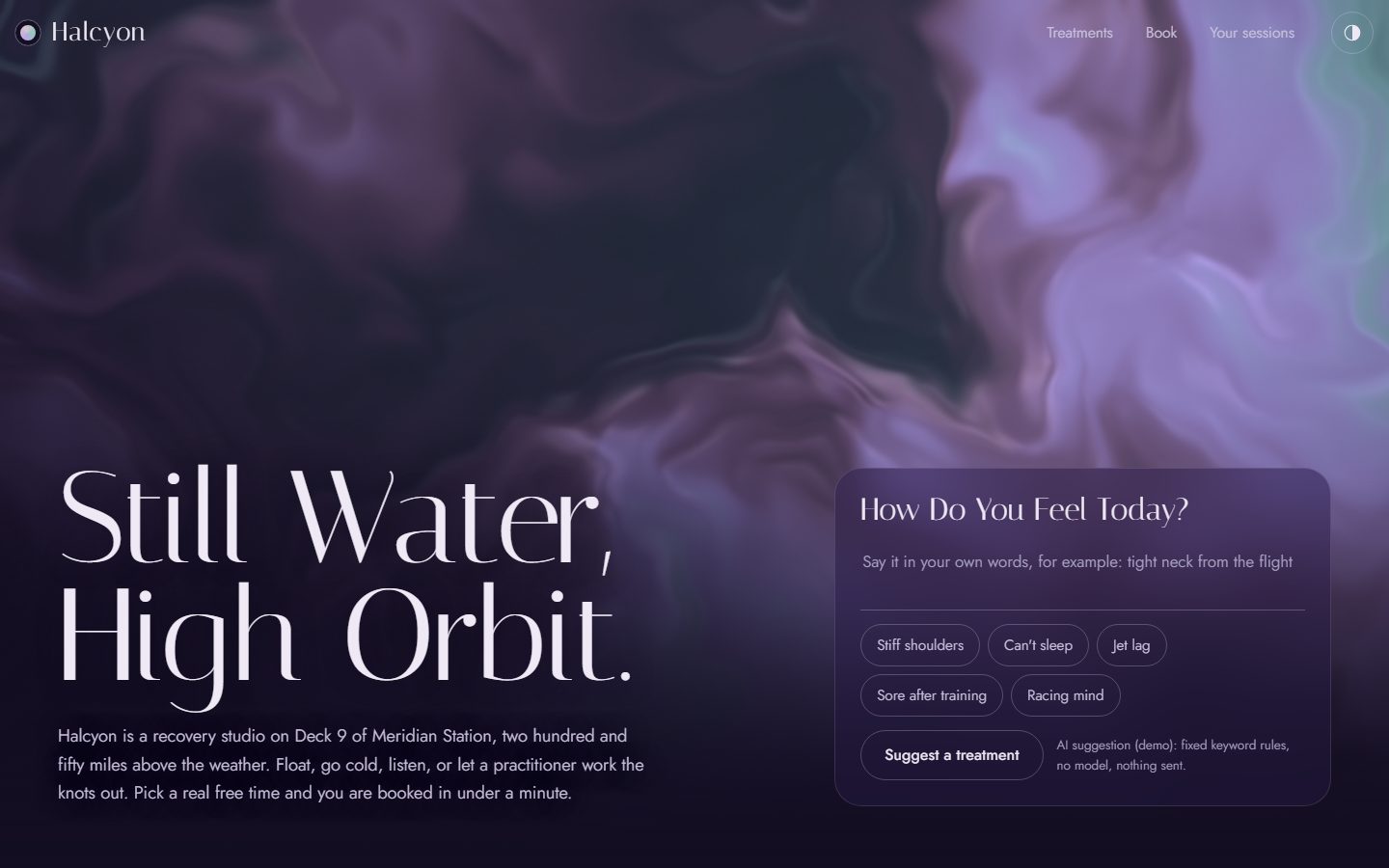
Halcyon
Recovery studio on an orbital station
Say how you feel and get a suggested treatment. Pick a practitioner and a time that is really free, confirm, and download a calendar invite. Reschedule or cancel in one tap.
Open Halcyon -
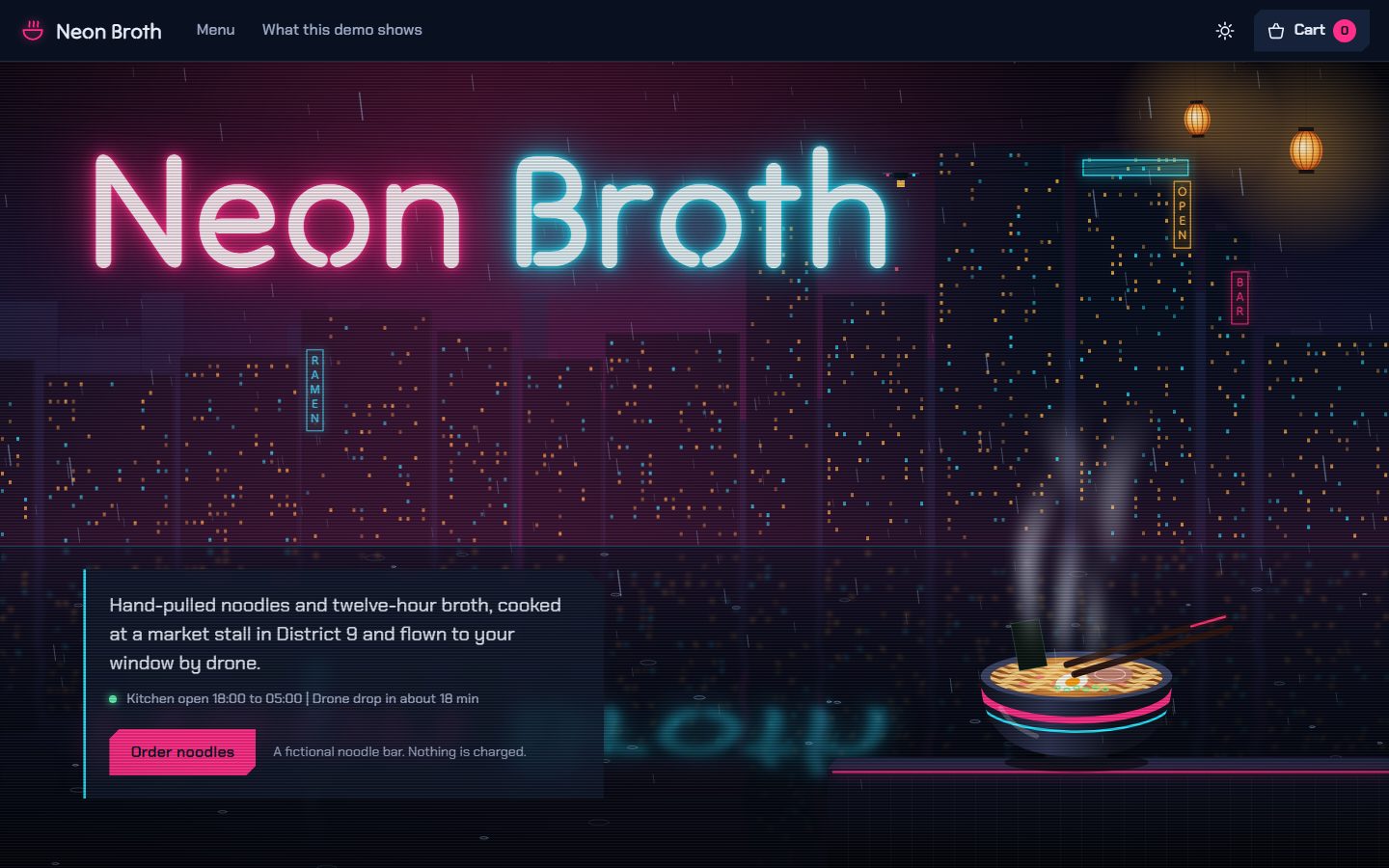
Neon Broth
Late-night noodle bar with drone delivery
Build a bowl from real food photos and watch each extra land on it as you tick it. Add a tip or a promo code and pay with a test card. Then watch your order in the kitchen, step by step, and follow it to your door.
Open Neon Broth -
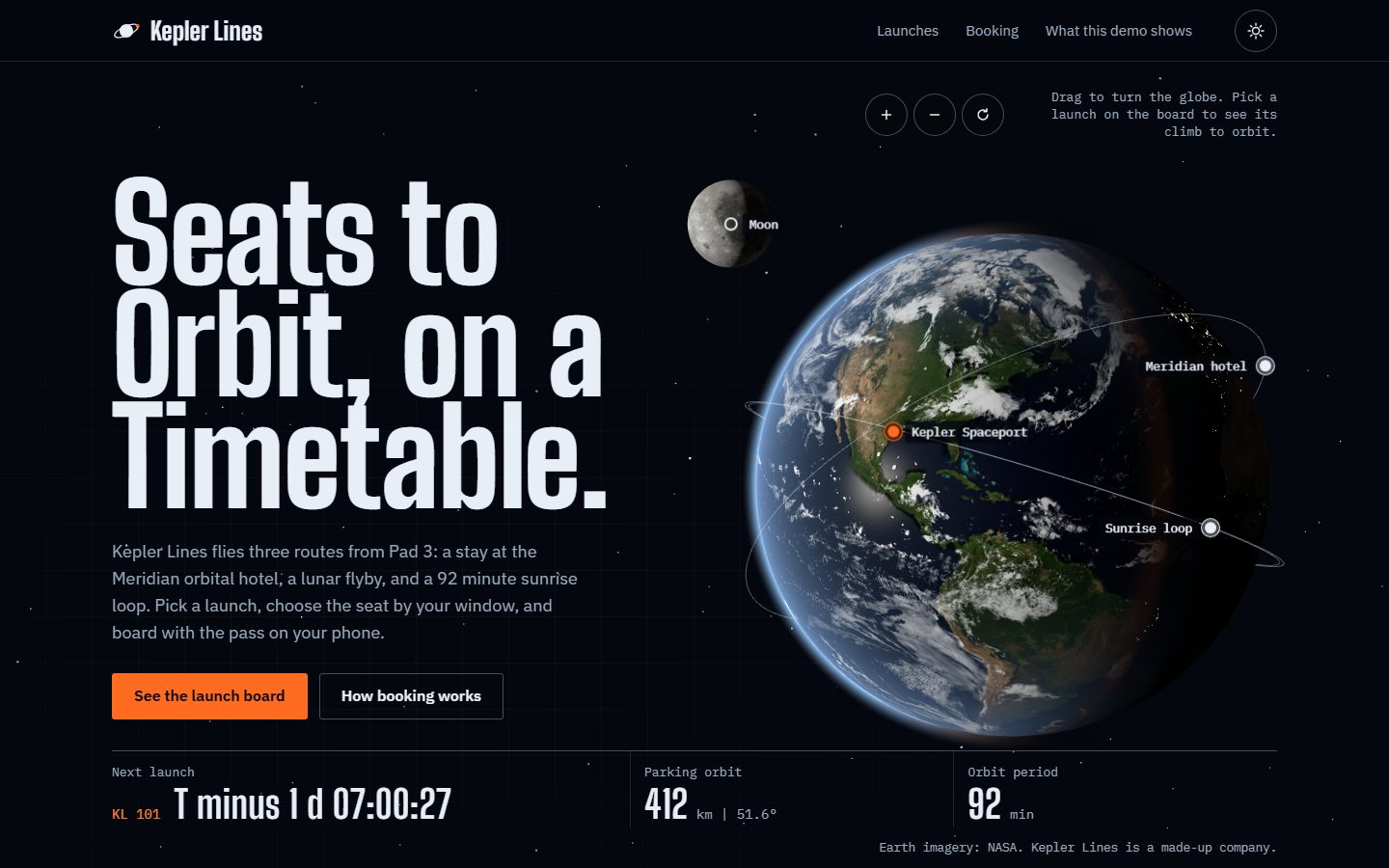
Kepler Lines
Passenger flights to orbit
Spin a real Earth made from NASA maps, choose a launch from a departures board and watch the globe turn to its launch site. Pick your seat and see the view from its window, pay, and get a boarding pass with a scannable code.
Open Kepler Lines -
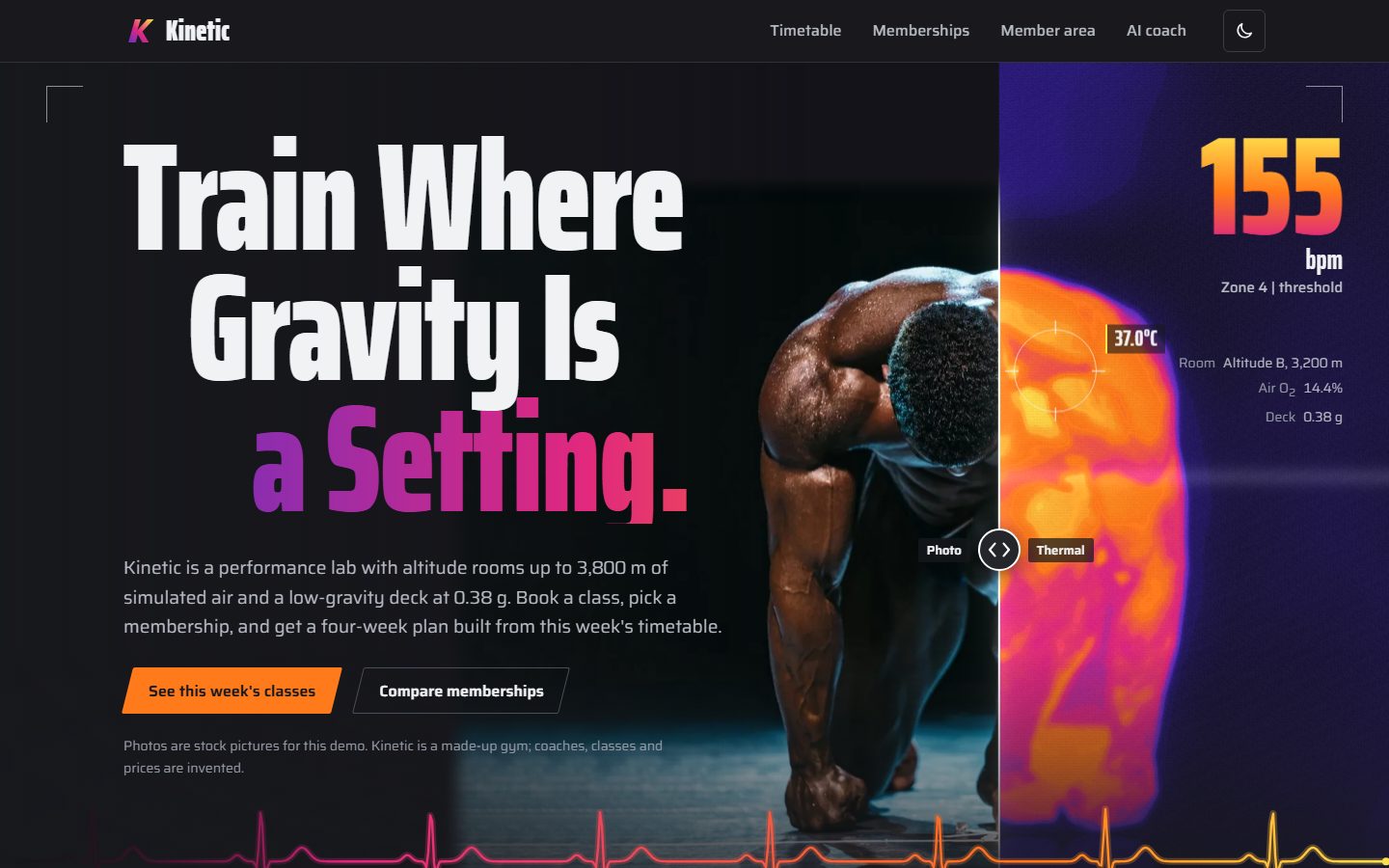
Kinetic
Performance lab and fitness club
Wipe between a real photo and a thermal camera view, compare plans and subscribe, then land in a member area with charts you can tap through day by day. Book a spot and watch the class fill up, or join the waitlist. Ask the coach for a four-week plan.
Open Kinetic -
Strata
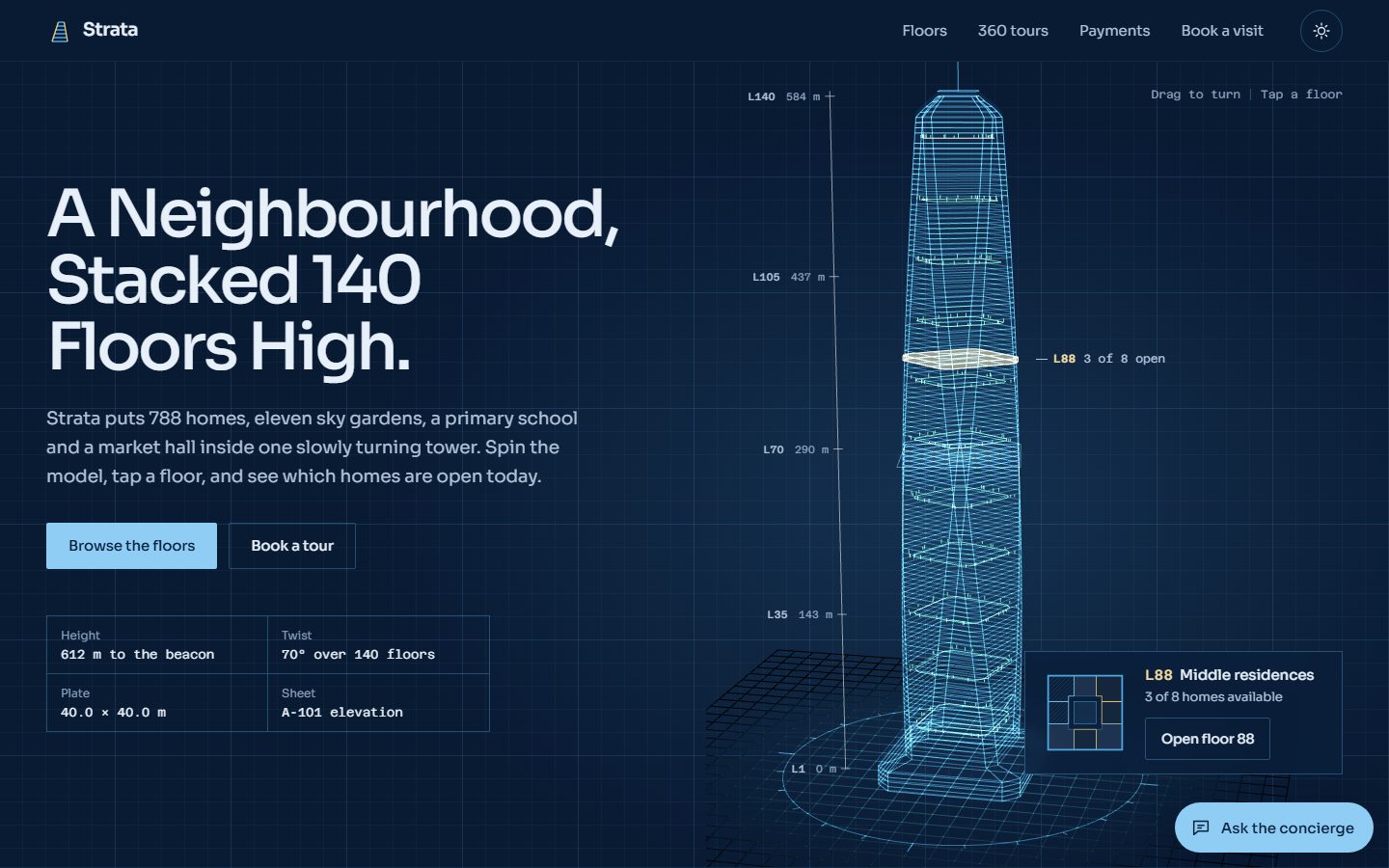
Residences in a 140-floor tower
Spin the tower, open a floor and pick a home, then walk through it room by room in a 360 tour. See the monthly payment, ask the concierge about pets or parking, book a visit, and see the lead card the sales team gets.
Open Strata
What a Website Can Do for a Business
A dot means you can try it in that demo today. Everything here can go on your site, connected to the payment, calendar and email services you already use.
| Capability | Halcyon | Neon Broth | Kepler Lines | Kinetic | Strata |
|---|---|---|---|---|---|
| Online booking with real free times | |||||
| Calendar invites, reschedule and cancel | |||||
| Card payments with receipts | |||||
| Subscriptions and memberships | |||||
| Online ordering, cart, tips, promo codes | |||||
| Live order tracking, kitchen step by step | |||||
| Tickets, seat maps, QR passes | |||||
| Class schedules with capacity and waitlists | |||||
| AI assistant or suggestions | |||||
| Member area with charts | |||||
| Leads delivered to your sales team | |||||
| Quotes and payment calculators | |||||
| 360 tours you walk through room by room | |||||
| Real product photos that react as you choose | |||||
| 3D and interactive scenes | |||||
| Light and dark, built for phones first |
Also on the Menu
- Accounts and sign-in. Customers see their orders, bookings and receipts; staff get their own logins.
- Edit it yourself. Change prices, hours, menus and text by clicking on the page, no developer needed.
- Emails and texts. Confirmations, reminders and receipts go out on their own.
- An online store. Products, stock counts, shipping or pickup, discount codes.
- Maps and "near you". Locations, service areas, delivery zones, recent jobs on a map.
- Search that understands people. "Open late near me with parking" finds the right result.
- Several languages. The same site in Spanish, French or any language your customers speak.
- An owner's dashboard. Bookings, sales and leads in one screen, with Excel and PDF exports.
- Found on Google. Fast pages, real text, business details search engines can read.
- Private visit counts. See what people use without third-party trackers following them.
How a Site Like This Gets Built
Tell Me What the Site Must Do
Who visits, what they should be able to do there, and what your business already uses for payments, calendars and email.
Click Through a Working Preview
Not a picture of a website. A private link where every button works, on your phone and your computer.
Change Anything
Colours, words, steps, prices. Each round comes back as a new preview you can try.
Go Live on Your Domain
Checked page by page on phones and computers before launch, then hosted fast and secure.
Have a Website in Mind?
Tell me what your business needs it to do, and I will show you a working version.
Get in touch